# Losing Deck
**URL:** https://www.tagtool.org/t/losing-deck/2493
**Category:** Support
**Tags:** ipad
**Created:** [June 13, 2024, 1:15pm UTC](https://www.tagtool.org/t/losing-deck/2493 "2024-06-13T13:15:11Z")
**Posts on this page:** 2
**Page:** 1
### Author:  [@Lorenz](https://www.tagtool.org/u/Lorenz)
#### Post date: [June 13, 2024, 1:15pm UTC](https://www.tagtool.org/t/losing-deck/2493/1 "2024-06-13T13:15:11Z")
Hi, I have a customer to whom we left the iPad whit Tagtool, and after a month that everything was fine he has now lost the deck with the animations that I had prepared for him, in tagtool in the decks there is only an old deck which is not his, there Is there a way to recover his deck which is now not appearing in the list?
---
### Author:  [@iink](https://www.tagtool.org/u/iink)
#### Post date: [June 15, 2024, 5:16am UTC](https://www.tagtool.org/t/losing-deck/2493/2 "2024-06-15T05:16:51Z")
Lorenz,
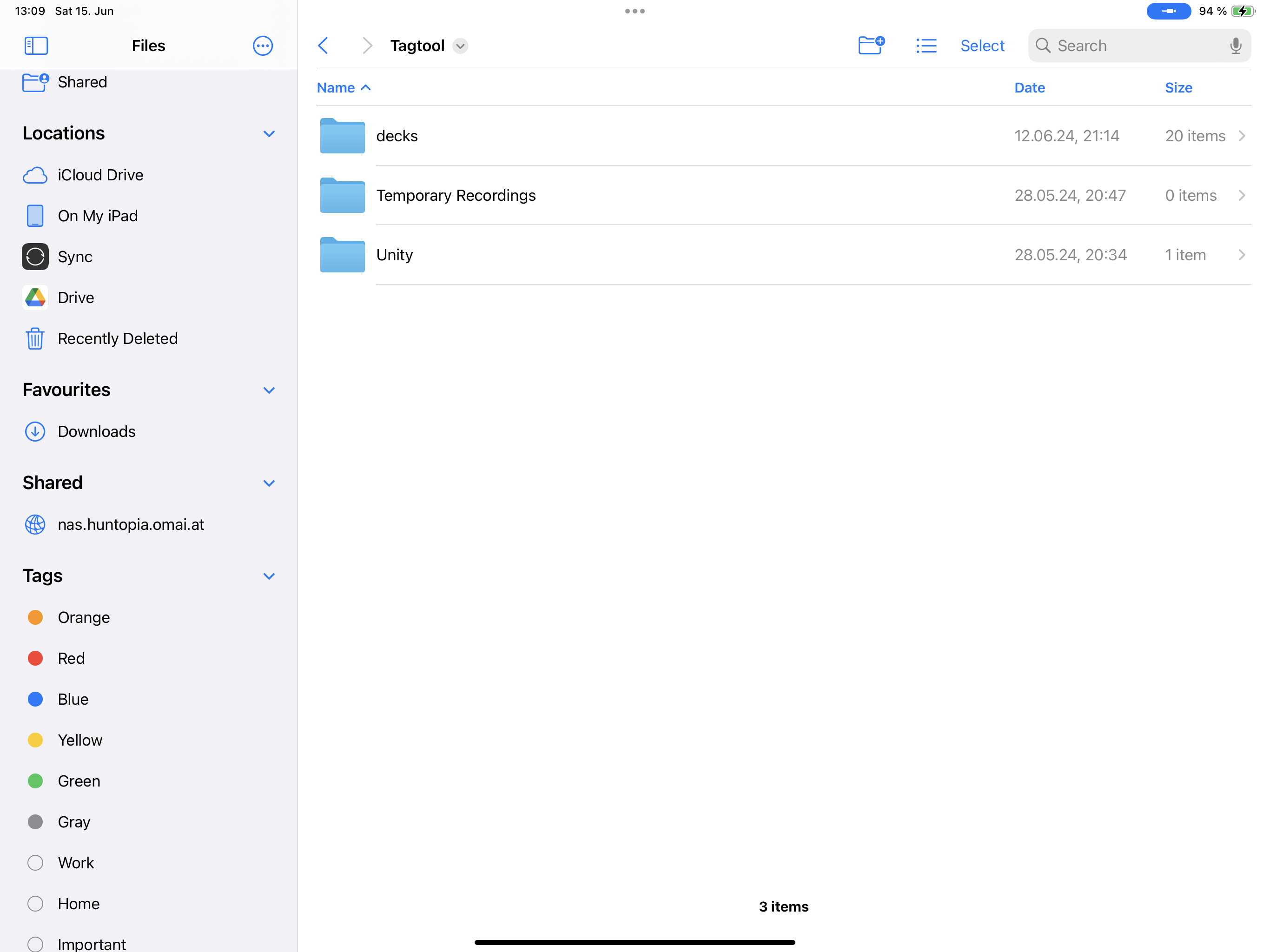
I think the “decks” folder on your customer´s iPad got moved or deleted. “My Deck” is created automatically and cannot be deleted within the app.
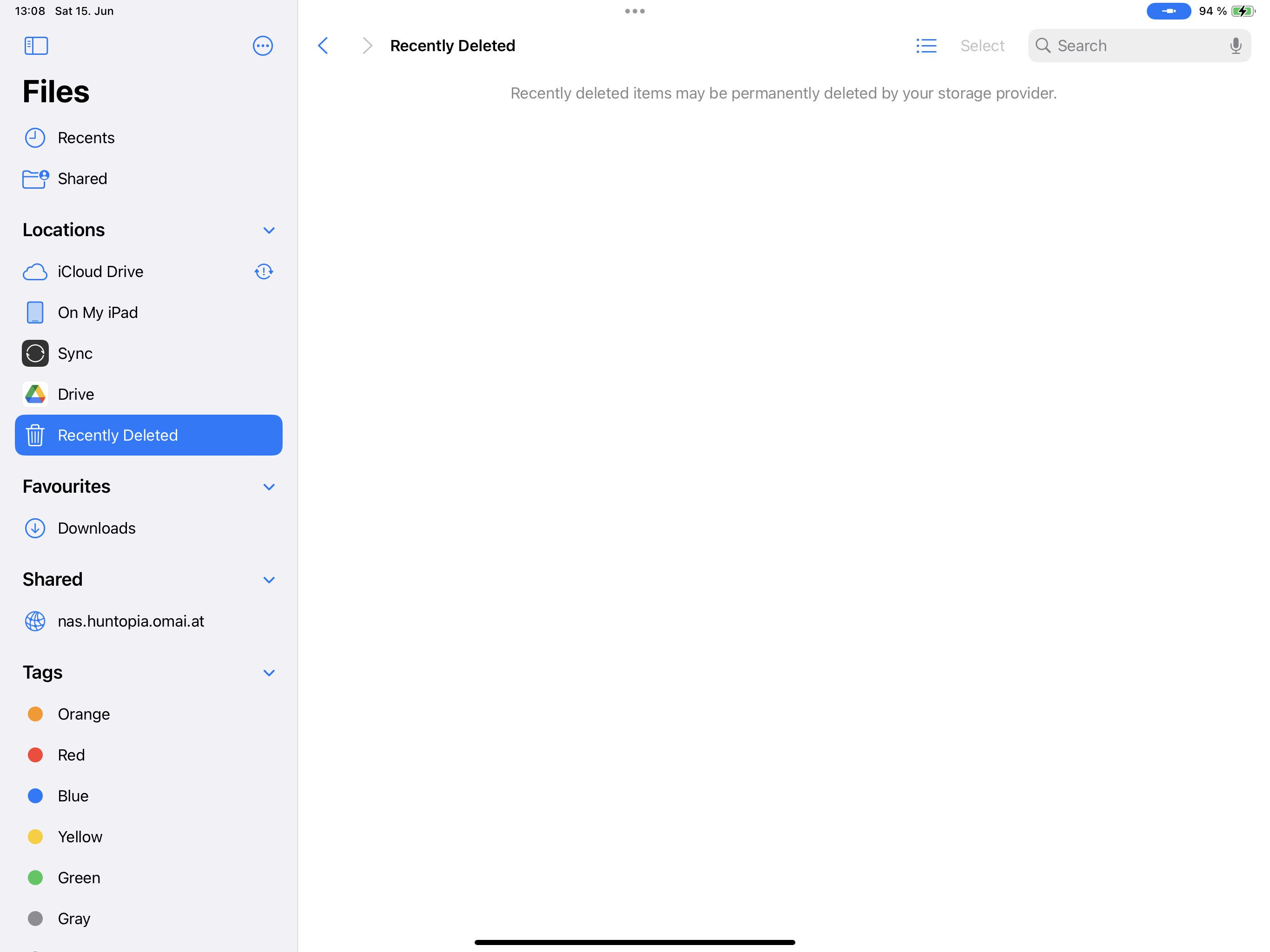
If the folders got deleted - you might have a chance to bring back the folders, when you go to the “Files” App on this iPad and look at the “recently deleted” folder.
When you still have the Decks on your own iPad you could transfer the folders by copying them to the Tagtool directory.
Any backups of the iPad?
Yours,
Mat