Tagtool 1.5 is out on the App Store, for both Tagtool and Tagtool SE.
Many of you have already been using it for weeks — this release is what we tested together through the betas, with a final round of fixes on top. Thanks to everyone who reported issues, sent decks, and joined test sessions.
The headlines, for anyone who skipped the betas:
Online multiplayer is out of beta — dedicated Online Session menu, public and private sessions, region selection, and much faster, more reliable scene sync. Up to twelve players.
Performance — faster startup, big decks load in a fraction of the time, 120 fps on ProMotion iPads, lower memory use.
Redesigned menus — reworked Network, Canvas, and Output menus, new canvas presets including vertical, Pencil Mode with palm rejection, language and left-handed switch in the footer.
Recording — ProRes, Animation, and HAP codecs on Mac and PC, transparent video without installing codecs.
Privacy — all user tracking removed, anonymous default nicknames.
Hotfix 1.5.2 is now live. It fixes an issue where Tagtool Pro was not recognized after updating from older versions for some people. If you were affected: update, then tap Restore Purchase once — Pro (and everything that comes with it) will be back and stay unlocked.
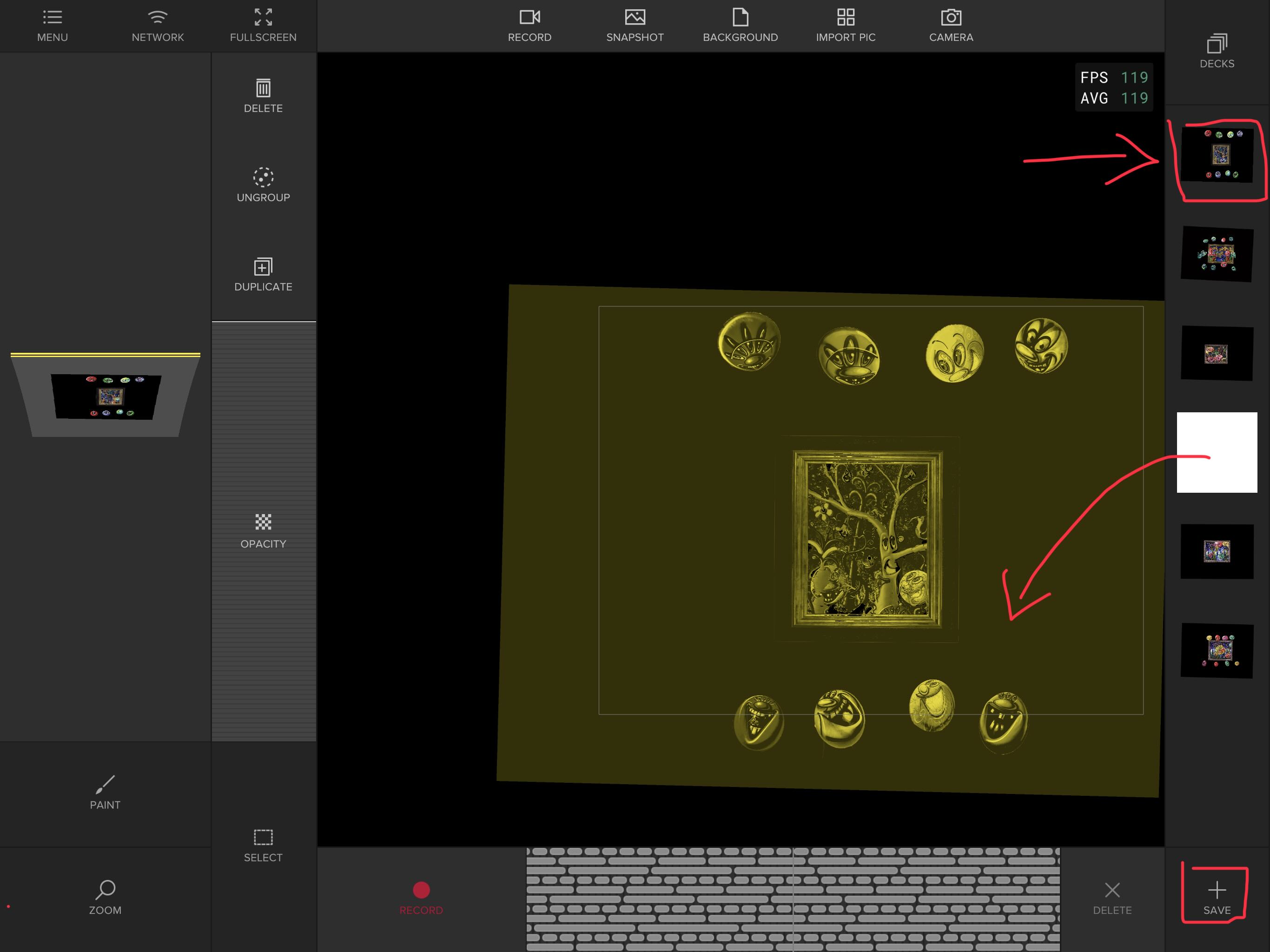
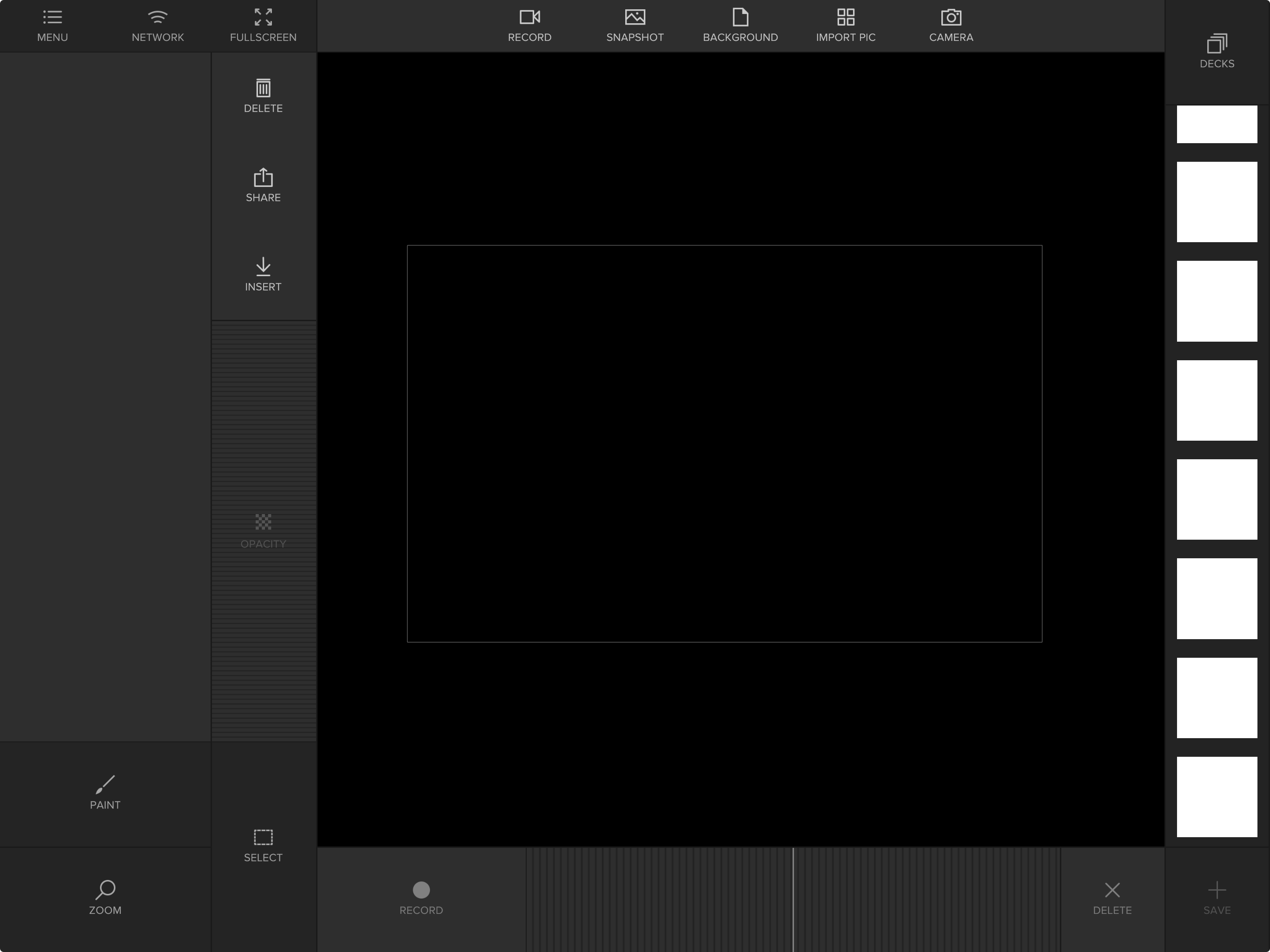
updated to 1.5.2.b1, and several of my decks and individual animations are no longer available. I just see white squares where the animations used to be in the affected decks. This just happened, and I was going to go out and animate this evening! Anyone live now that can advise me? Thanks!
Hi - no need to apologize, you guys do so much work for the community . Happily, the decks I was issuing for my performance were ok. It’s some entire folders, some just various animations within folders. I was moving things back and forth from desktop external storage drive to a new iPad Air when this occurred. Also, a reminder that I use almost exclusively png files. Normally I don’t download the most recent versions of any software when I have a gig coming up, but must have missed toggling off automatic updates on TT. I will send affected decks later today.
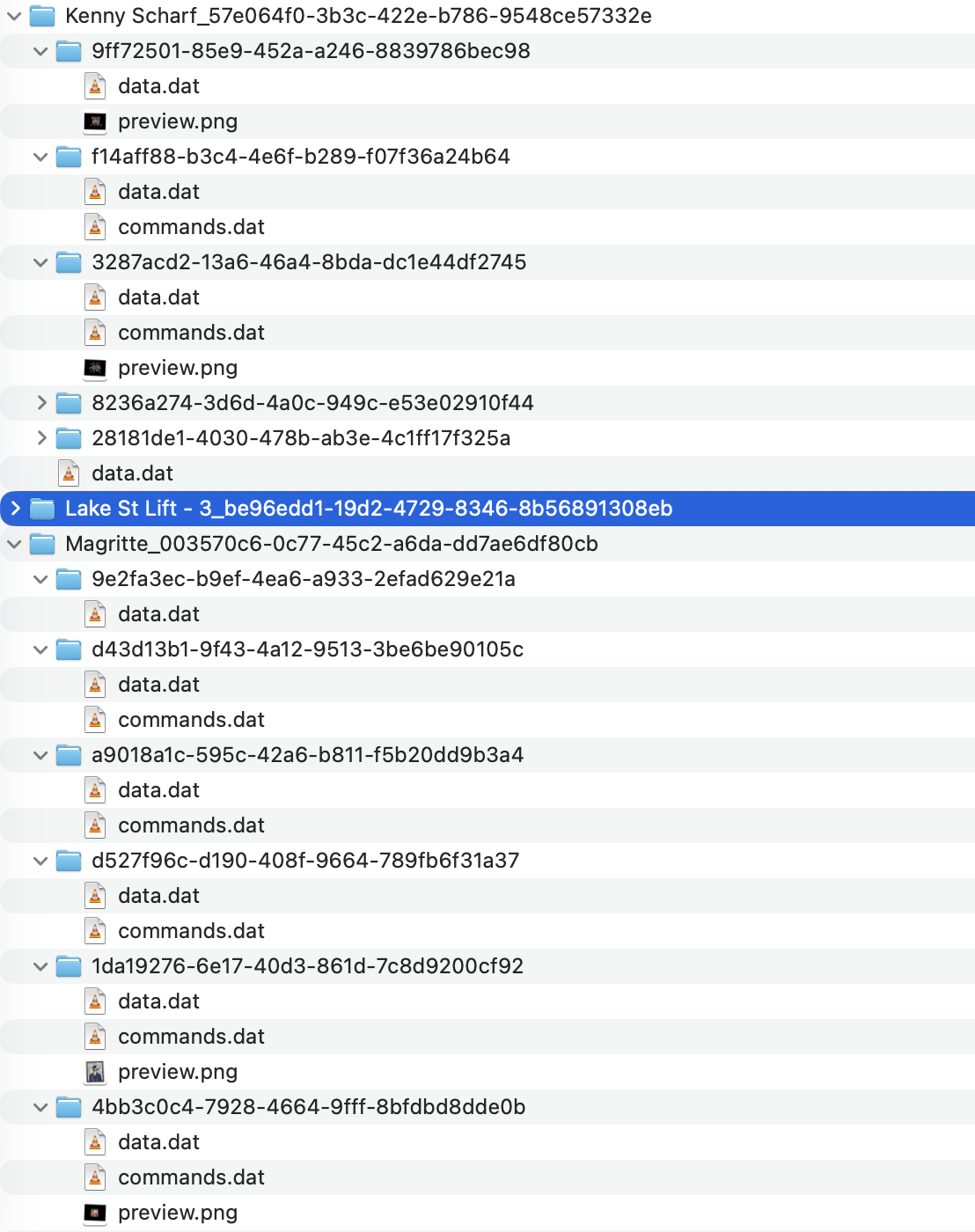
Looks like the corrupted decks are missing some files.
“data.dat”- “commands.dat” and “preview.png” are the 3 things needed to work properly. Some folders are missing 1 or 2 files.
White deck items are missing the “preview.png” - but they can be loaded in the workspace and saved again. If command or data is missing it is not possible to reload.
Have a look - maybe you have those missing folders as a backup somewhere.
Hello! Thanks for the detailed response. I went through and was able to salvage many of the animations. However, when I looked in the Tagtool folder in my Files App, I saw many command.dat and preview files unassigned to any deck - and they were all the affected animations! Not sure how this happened, however I was having trouble airdropping a large number of decks at once, so maybe that’s where things “went wrong”. I have all my decks on an external drive, so I will go through them all and make sure I simply delete the duplicate decks with missing files.
I noticed another thing, which was several folders within a deck titled “blob”…! What’s that? I’ve never seen that before


 . Happily, the decks I was issuing for my performance were ok. It’s some entire folders, some just various animations within folders. I was moving things back and forth from desktop external storage drive to a new iPad Air when this occurred. Also, a reminder that I use almost exclusively png files. Normally I don’t download the most recent versions of any software when I have a gig coming up, but must have missed toggling off automatic updates on TT. I will send affected decks later today.