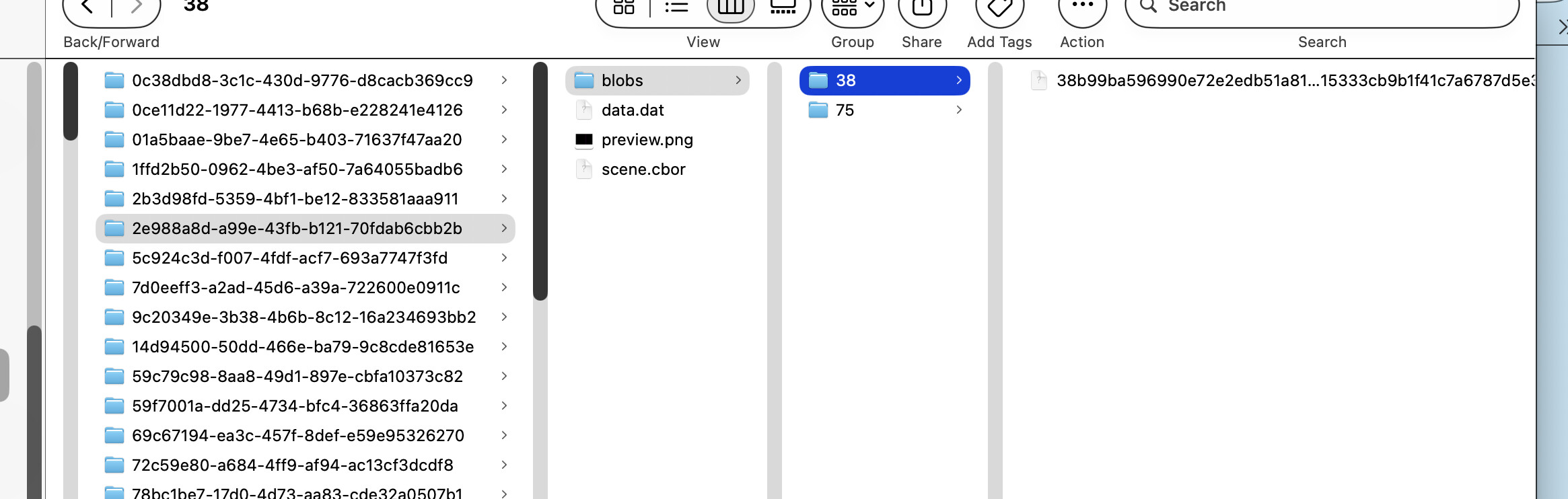
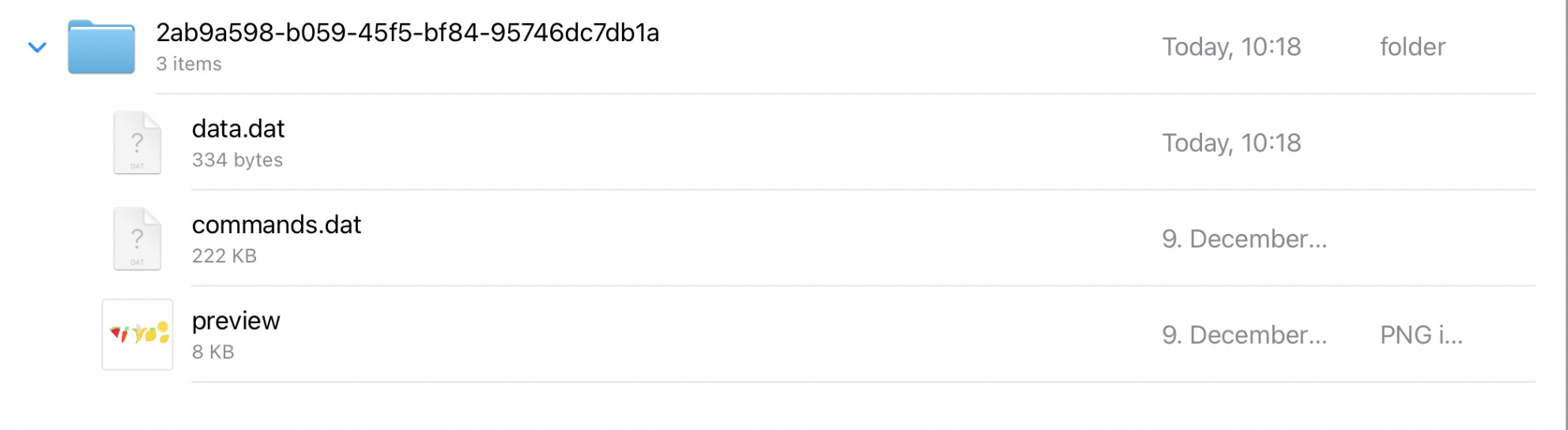
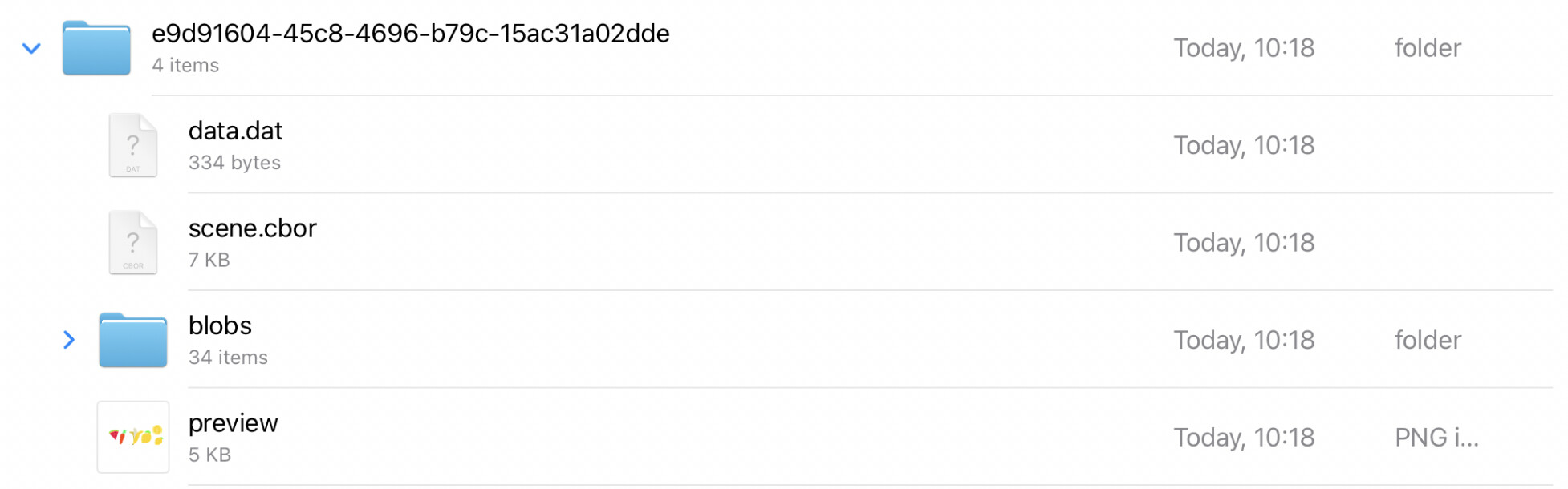
I do a lot of copying Decks back and forth between my desktop and iPads, and sometimes the method I do the Airdrops aren’t totally clean. I noticed that there are some new (?) Folders and files in some of my decks now, “Blobs” and “scene.cbor”
Those files aren’t leftovers from messy AirDrops. scene.cbor and the Blobs folder are the new file format for deck items.
scene.cbor holds the scene data. CBOR is a compact binary format, similar to JSON, so it won’t be readable in a text editor.
Blobs holds the binary assets that the scene refers to.
The two belong together, so please don’t delete or edit them by hand, or the deck item may load empty or incomplete.
Handle those new deckitems like the old ones:
Copy the whole deck as one unit. Zipping it before AirDrop is the safest way to avoid partial transfers.
When replacing a deck on a device, delete the old copy first (after making a backup) rather than merging folders, so old and new files don’t get mixed.
Make sure all your devices run the same Tagtool version, so older apps don’t try to open the new format.