Hello,
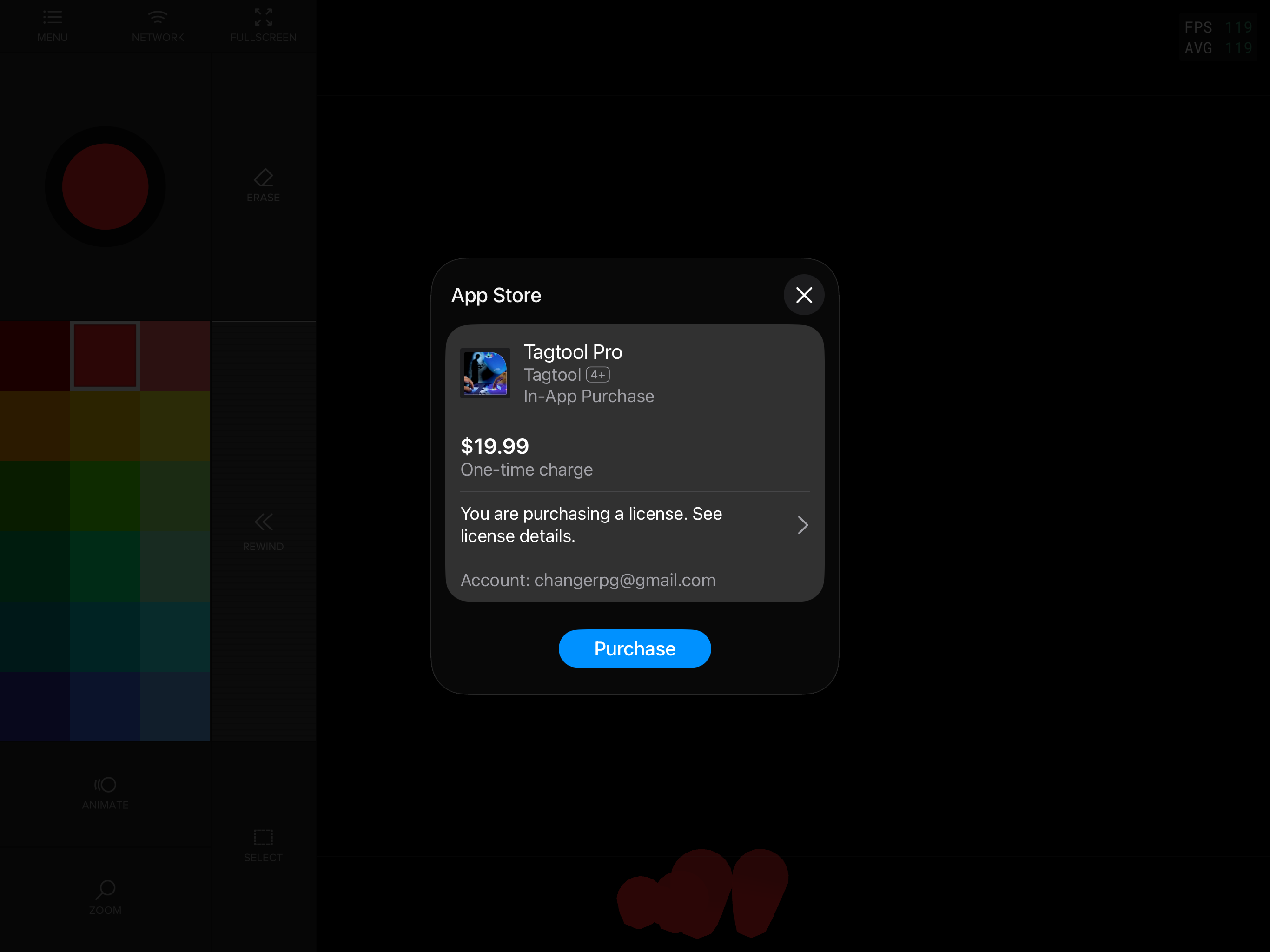
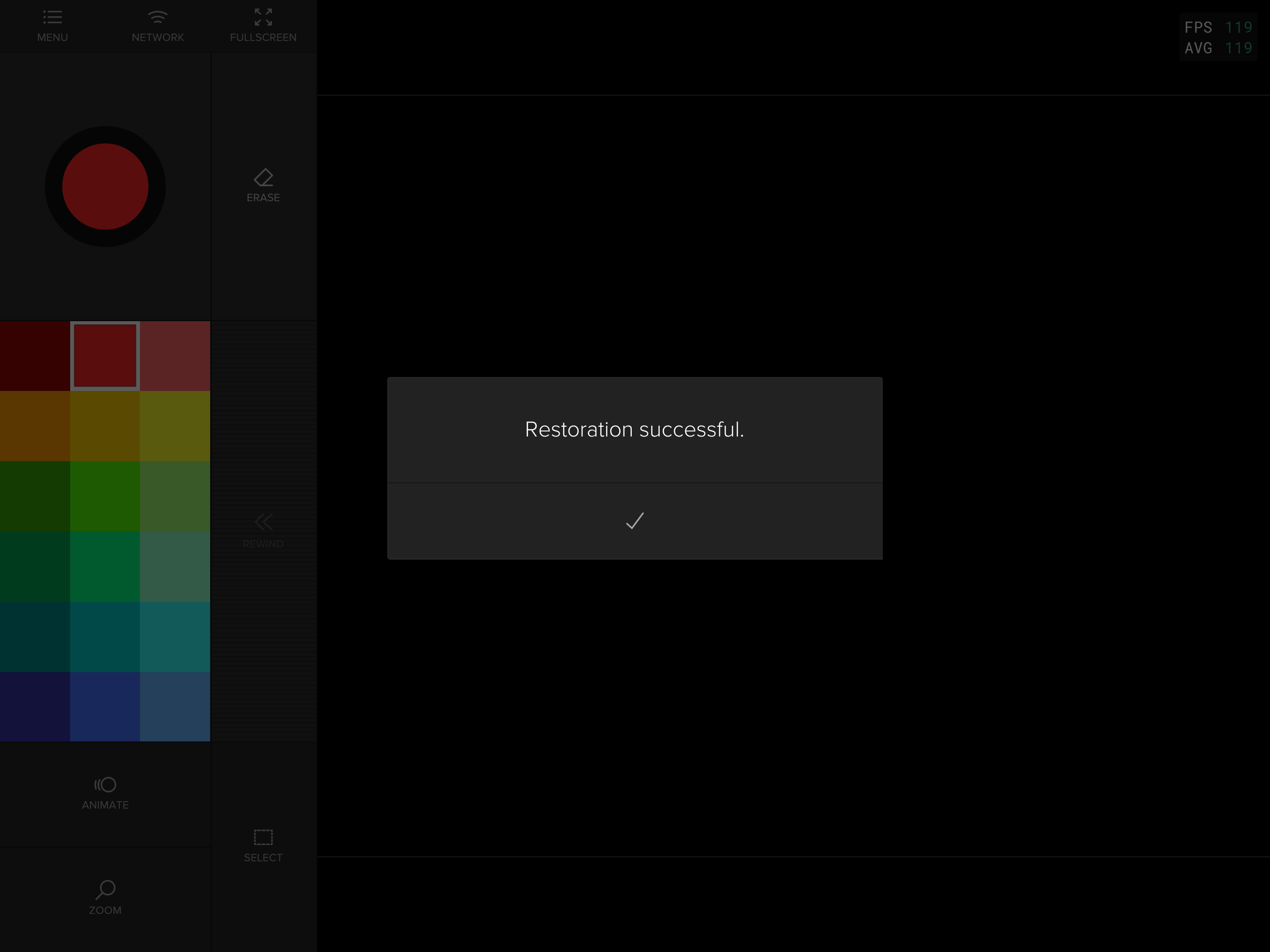
I just downloaded the latest update and now it won’t restore to the pro version, even after it says restoration successful. Also my saved decks are missing. Any help greatly appreciated
Thanks,
Ryan
Hello,
I just downloaded the latest update and now it won’t restore to the pro version, even after it says restoration successful. Also my saved decks are missing. Any help greatly appreciated
Thanks,
Ryan
Hi Ryan,
Thanks for the report, and sorry for the trouble!
We think we have found the root cause of your problems. Your decks and Pro version are not lost. The files are still on your iPad, the update just fails to read them. We’re aiming to get a fix out as soon as possible, hopefully still today.
Until then, please don’t delete or reinstall the app. To keep your decks extra safe, you can copy them first:
Then just wait for the update — everything should reappear on its own.
Thanks for your patience!
Maki
Thanks Maki! You are right. My saved decks are still in my files. I had a minor freak out when the basic version didn’t show them but that makes sense that it wouldn’t. A good idea to backup my decks regardless. Looking forward to checking out the update!
One thing you can try right away: in Tagtool, tap Buy Tagtool Pro as if purchasing. Since your Apple ID already owns it, the App Store should say something like “You’ve already purchased this - get it again for free?”. Then Confirm, and Pro (and your decks) should come back. You won’t be charged. But if it shows a price instead of “free”, just cancel and let us know, that would be useful information.
thanks!
Thanks! This is helpful. You can tap Purchase, you will not be charged if you previously purchased Tagtool Pro with this Apple ID. Let us know if this fixed it.
If Pro disappears again after restarting the app, don’t worry. That’s the known bug, and the hotfix coming soon will make it stick permanently.
I went thru with the purchase option, signed into my apple account and it went through to the pro. But if I look at my purchase history in apps it looks like it was a charge?
Hey Ryan,
does Pro work now and do you have the decks again?
If there really was a charge, let me know and we’ll refund you.
As far as I know, if you had purchased Pro with this Apple ID you should not have been charged again. But if we got it wrong we’ll work it out.
By the way, the hotfix has been submitted, as soon as Apple approve it will be available.
Yes pro version works with decks intact. Not sure what happened exactly with in app purchase thing. It would have been the same apple account. Keep you posted if I see a charge. Appreciate the help.
Glad everything’s back! The 1.5.2 hotfix is now live on the App Store. You can update when you get a chance, so the issue doesn’t come back. Thanks again for your help tracking this down!
Thanks for the update. Happy to have helped. Turned out it did charge my account for the download after all. If the money in the least makes it way back to you guys, I don’t mind to support.
Ooh, I’m early! Hi Maki and Iink - and Ryan! Just came here to let you know that when the new version loaded, my decks got all rearranged? And possibly I feel like I’m seeing decks I haven’t seen in a long time? I might be crazy though; it just might be the order. In any case I’ve backed them up and starting fresh.
But one thing to note is when I tried to record something, the app would crash. After I cleared out all the decks and restarted, it stopped crashing, but the recording is not saving in my Photos. I also tried offload and reinstalling. Didn’t help. Snapshots seem to be working ok though. Just a heads up. Congratulations on the update and I can’t wait to play with it more! xx K
Hey Karen,
How are you? Thanks for reporting! Are you still having the issues?
Get Tagtool! · Tagtool.org is maintained with love by OMAi GmbH · Built with Discourse